
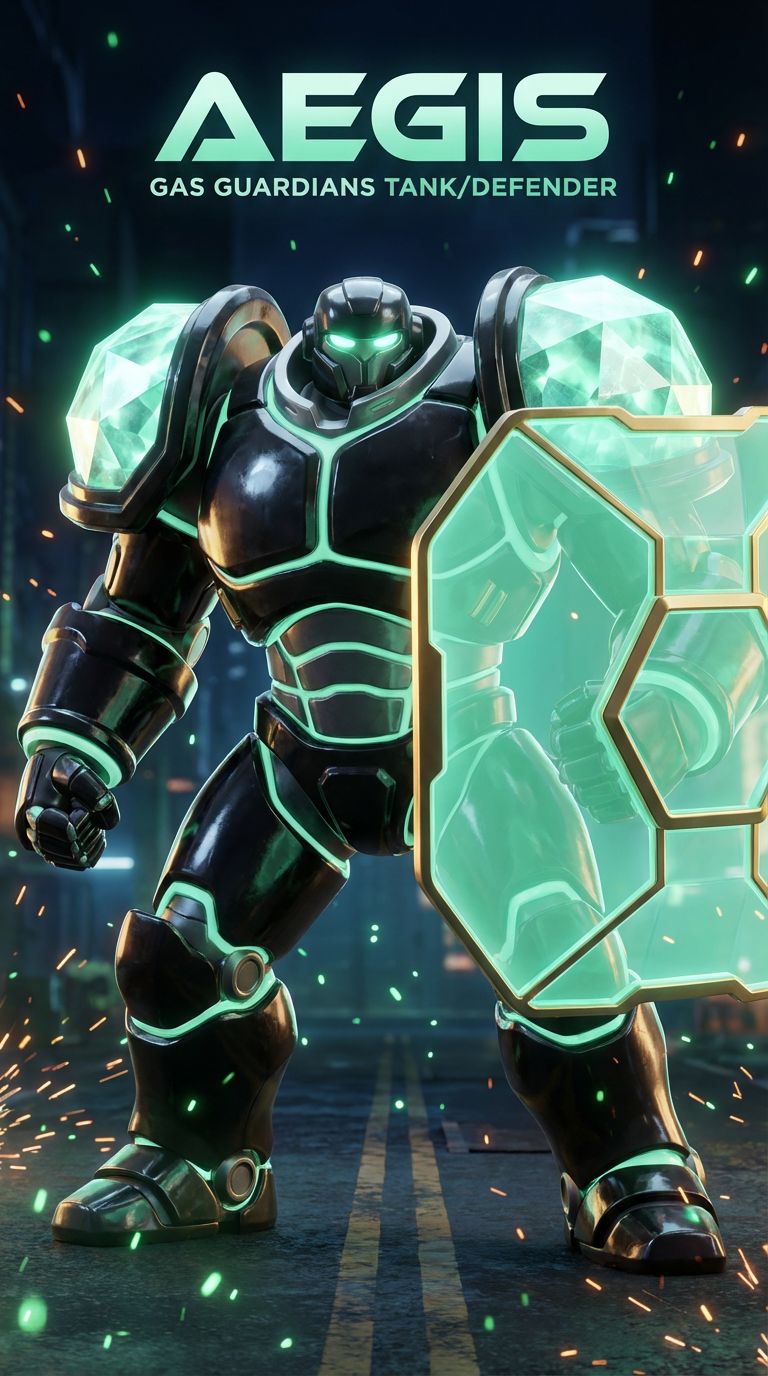
The Tank — Contract Safety
Crypto 101 with Aegis
Contract Permissions & Transaction Safety
"Protect the user at execution."
🛡️ Understanding Smart Contract Permissions
Every time you interact with a crypto project — swapping tokens, staking, or minting — you're interacting with a smart contract. These contracts have permissions built in, and some of those permissions can be dangerous if misused.
Aegis is the Guardian who checks what a contract CAN do to your funds. Because the moment you click "Approve," you're signing a permission slip.
⚙️ What Are Token Approvals?
1. What "Approve" actually means
When a DEX asks you to "approve" a token, you're giving that contract permission to move your tokens. Unlimited approvals mean the contract can move ALL of that token — forever — unless you revoke it.
2. What is slippage?
Slippage is the difference between the price you expect and the price you get. High slippage (10%+) means you're losing money on every trade. Keep it tight — 0.5% to 3% for most trades.
3. Owner permissions to watch for
Some contracts let the owner pause trading, blacklist wallets, change fees, or mint new tokens. These aren't always bad, but you should know they exist before investing.
4. How to check permissions
Read the contract on Etherscan. Look for functions like: pause(), blacklist(), setFee(), mint(). If the owner can change critical settings without a timelock, that's a risk.
🔐 Aegis's Safety Checklist
- ▸ Never approve unlimited token amounts unless you fully trust the contract
- ▸ Keep slippage tight — high slippage is a hidden tax
- ▸ Read the confirm screen like it's a legal contract (because it is)
- ▸ Check if owner functions have timelocks or multi-sig requirements
- ▸ Revoke old approvals you no longer use
💡 Key Takeaway
Every "Approve" button is a permission slip. Know what you're signing before you sign it.